A reelscut alternative that runs in a browser tab
reelscut finds clips locally, as a desktop beta for Windows and macOS in English and Portuguese. If one of those doesn't work for you, here's how Cutroom AI compares.
Updated November 12, 2026
| Job | Cutroom AI | reelscut |
|---|---|---|
| Get started | Open a browser tab | Download the Windows or macOS beta |
| Clip a talk in Spanish | Yes | English and Portuguese listed |
| Keep using it after a week | Free plan, renewed monthly, not a trial | Premium at $5.99 a month after the trial |
| Clean up the full talk too | Yes | Not on its pages |
Facts about other products come from their own public pages, read on the dates under Sources. Products change; check their pages before you decide.
Who goes looking
If you can't install apps on a work laptop, or you'd rather not run a v0.0.1 beta, a browser tool is the other route. reelscut's home page still says "Release coming soon" on its download, while its releases page lists the beta.
Others record in Spanish, French or German, or need clips plus a cleaned full edit of the same talk, like a weekly sermon posted in full and in pieces.
Price is the last reason. After its 7-day trial, reelscut moves to Premium at $5.99 a month, charged in Brazilian Real. Cutroom AI has a free plan with a watermark and no trial clock.
What Cutroom AI covers
- Clip finding on your own device, with the whole recording read in windows so memory stays flat, up to 180 minutes.
- An attention curve with numbered picks, and ranked clip cards.
- Length presets, and clips that start and end on sentence edges.
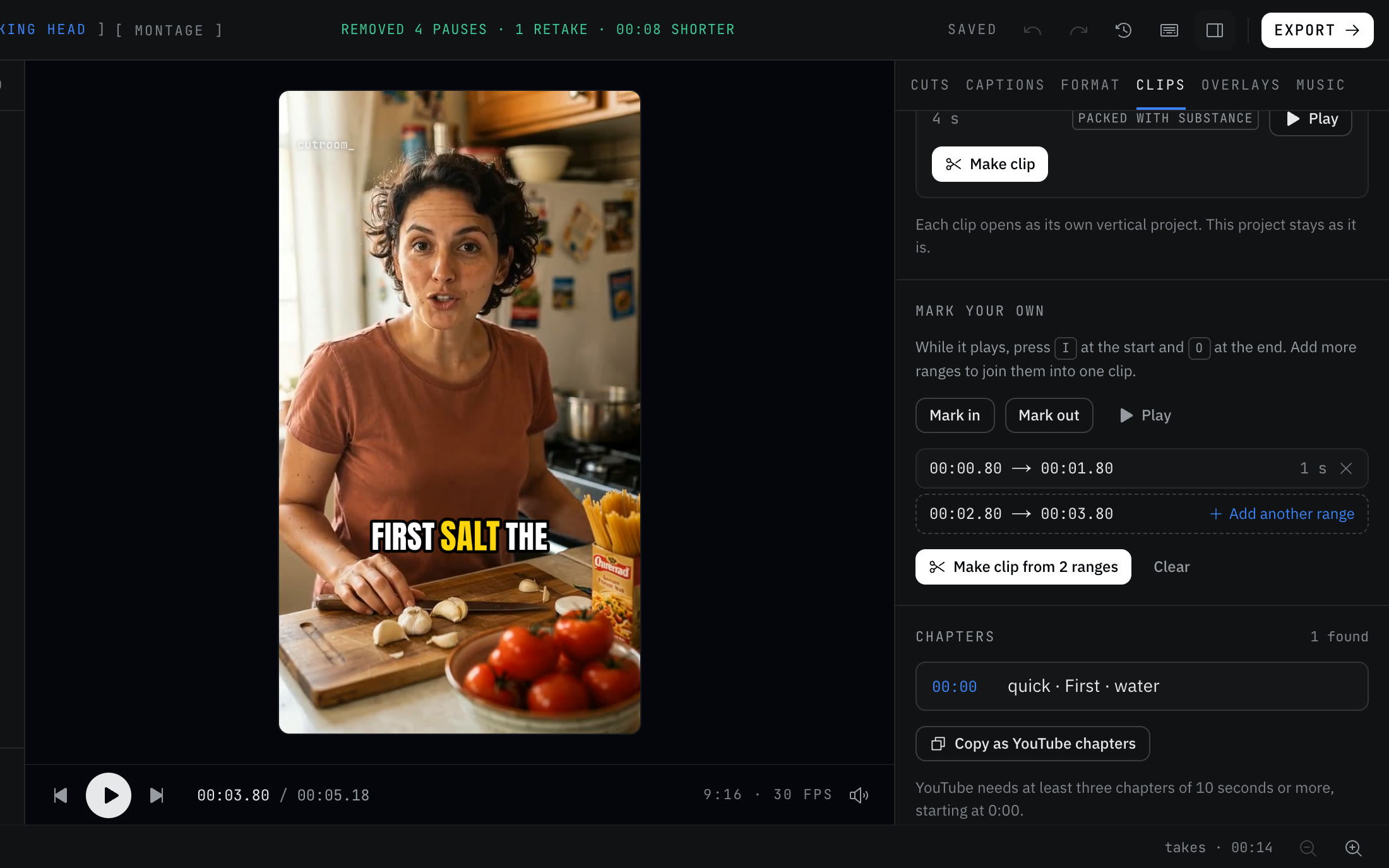
- Manual clips with I and O, several ranges joined, and nudges of one frame or one second.
- Make all, then Export all, with captions and a face-following crop on each clip.
- Transcription in 16 languages, with filler lists in six of them.
- The full talk cleaned up as well, with a long-form 16:9 version when you filmed horizontally.
What it lacks next to reelscut
If ranking on motion, or picks from your own OpenAI account, is why you chose reelscut, keep it for that.
- No visual scoring for motion or composition.
- No way to add your own OpenAI key; language model picks are off.
- No AVI, or other formats beyond MP4, MOV, WebM, MKV and common audio.
- No mirror option and no caption sync offset.
- No unlimited plan.
Switching over
There's nothing to install or uninstall, so you can keep reelscut and run the same file through both.
- 01Open Cutroom AI on the computer that holds your recording. Current Chrome, Edge, Arc and Safari 26 all work.
- 02Drop the recording in. The video stays on that computer.
- 03When the transcript finishes, switch to the Clips tab.
- 04Pick a length preset and scan the attention curve for clusters of picks.
- 05Search a topic word to jump to every mention of it.
- 06Mark your own clips with I and O, join ranges, and nudge the edges.
- 07Switch the hook line on or leave it off, then press Make all. Export all saves every clip.
Questions
Does anything upload?
Your video and audio don't. A copy of the cut list and transcript text syncs under a random id so the project opens in your other browsers.
Is it free?
Yes, up to 3 edits a month at 720p, marked with a small watermark. Clips cut from a long recording export on any plan.
How long can a recording be?
Up to 180 minutes opens on every plan, and the clip finder reads all of it.
Can I open AVI files?
No. Cutroom AI reads MP4, MOV, WebM and MKV video plus MP3, WAV, FLAC, AAC and OGG audio. Convert an AVI to MP4 first.
Does it use my graphics card?
Yes. Speech runs on the graphics card through WebGPU when there is one, or on the processor otherwise.
Sources
- reelscut home page and app screenshots, read November 12, 2026
- reelscut pricing and FAQ, read November 12, 2026
- reelscut releases, read November 12, 2026
Keep reading
Try it on your own footage.
The editor opens in your browser with no account, and the sample project doesn't use an edit.